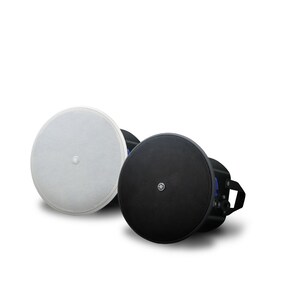
Voice Lift 創造舒適的環境
什麼是 Voice Lift?
Voice Lift 讓同一空間內的人無論身處何處都可以清晰聽到聲音。與使用手持式麥克風和功率擴大機來擴大聲音的 PA 不同,此解決方案讓人們以自然的音量聽到發言者的聲音。
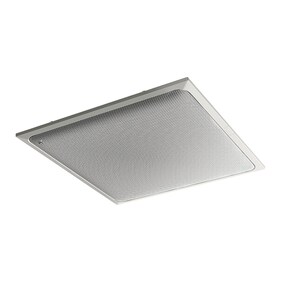
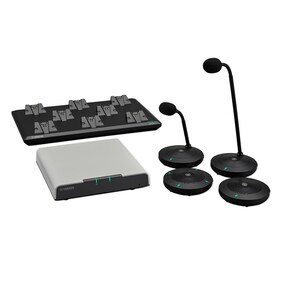
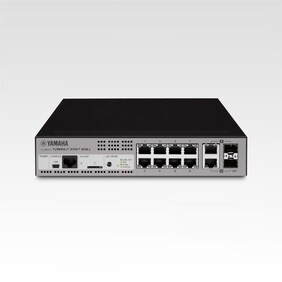
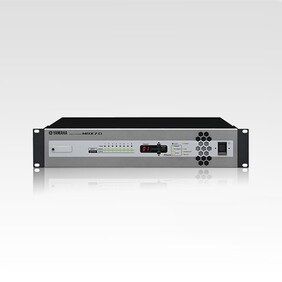
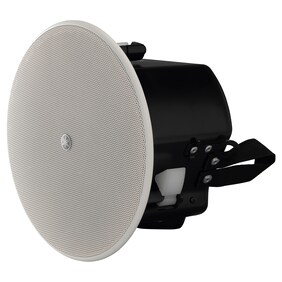
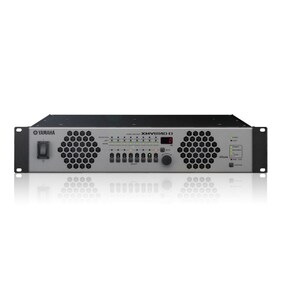
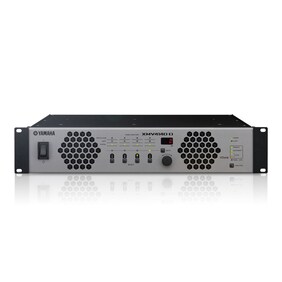
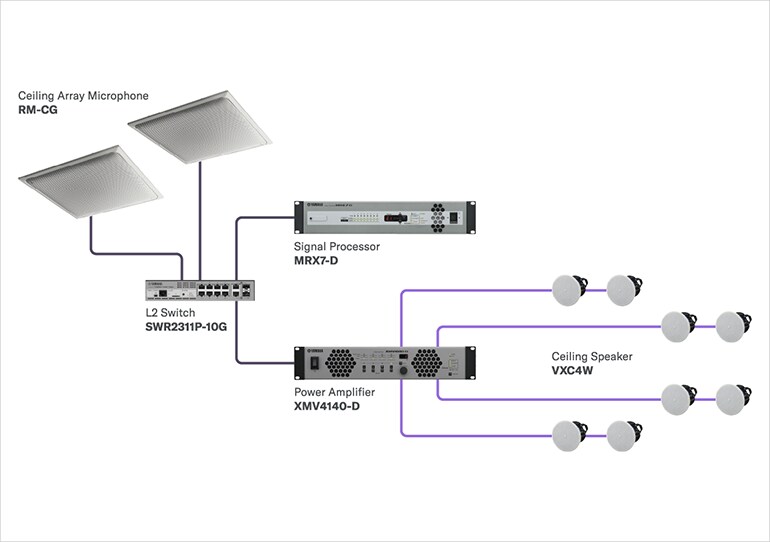
例如,配置吸頂式陣列麥克風、處理器、功率擴大機和吸頂喇叭的 Voice Lift 系統,可以在大型會議室、學校禮堂和其他人聲難以傳達的場所,提供舒適的會議和研討會環境。
Effortless yet Professional — Auto Design & Setup for Voice Lift
From device selection to audio tuning, the Room Design tools in ProVisionaire Plan and ProVisionaire Cloud, together with the ADECIA conferencing solution, automate the process to deliver clear and natural sound—even in large-scale spaces.
*This feature is supported by ADECIA Firmware Version 3.0 and later.
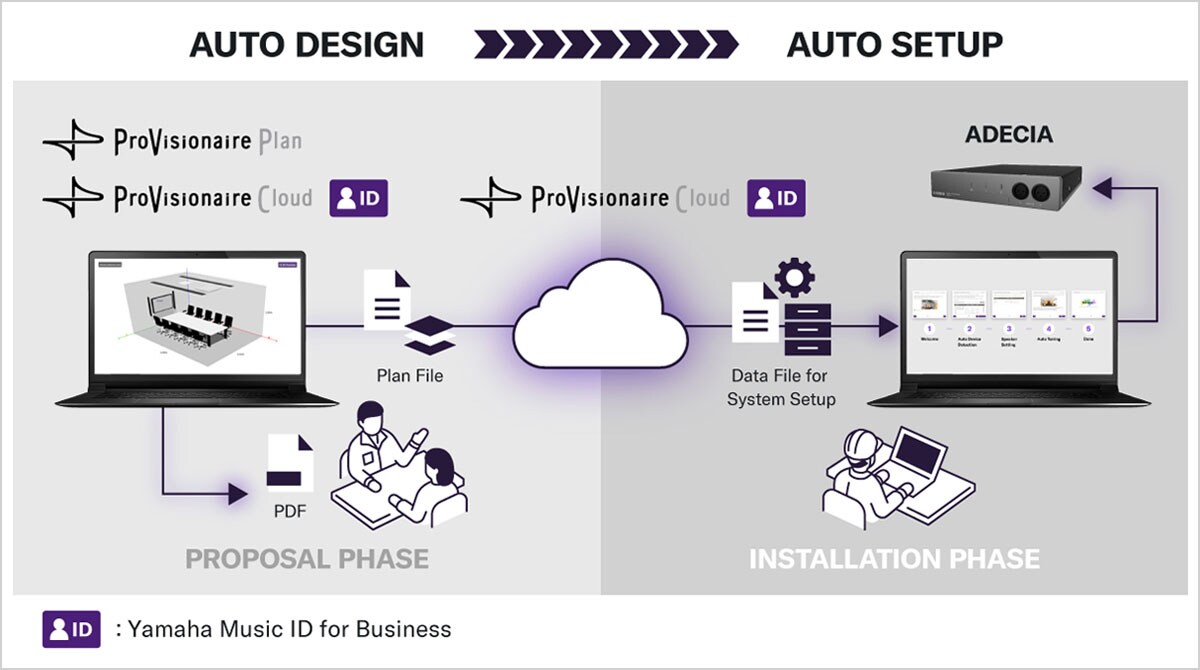
Design to Tuning — Voice Lift Setup Accelerated from Days to Minutes, All from Your Browser
-
[Design]
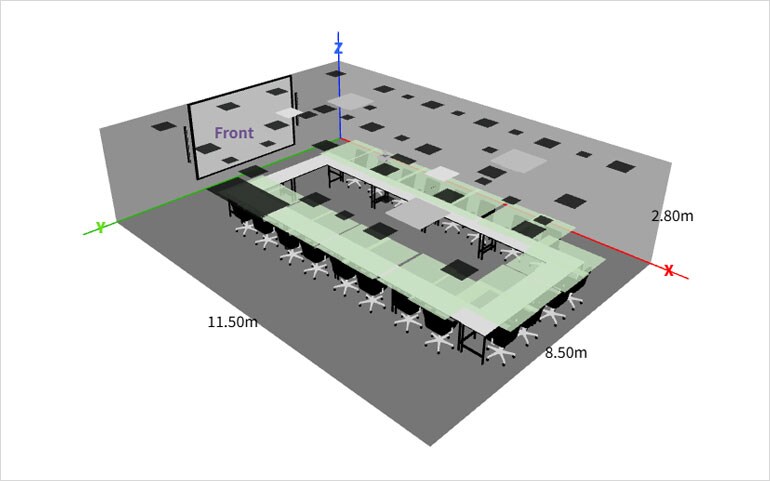
Just enter your room layout in ProVisionaire Plan or Room Planner on ProVisionaire Cloud, and the system automatically designs the best microphone and speaker setup for you — all from your browser.
Export your results as a PDF and easily create multiple design proposals.
*Please note: A Yamaha Music ID for Business account is required to use ProVisionaire Cloud.
-
[Data Import]
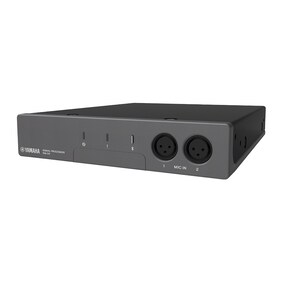
Download the automatically generated design file from ProVisionaire Cloud and import it into the ADECIA Processor RM-CR.
*Please note: Design data for Voice Lift systems created in ProVisionaire Plan cannot be imported into RM-CR. To automatically configure the Voice Lift function in RM-CR, please import Room Planner data files created with ProVisionaire Cloud – Room Planner.

-
[Setup & Tuning]
Simply follow the Auto Setup Wizard — all device configuration, measurements, and tuning are completed automatically.

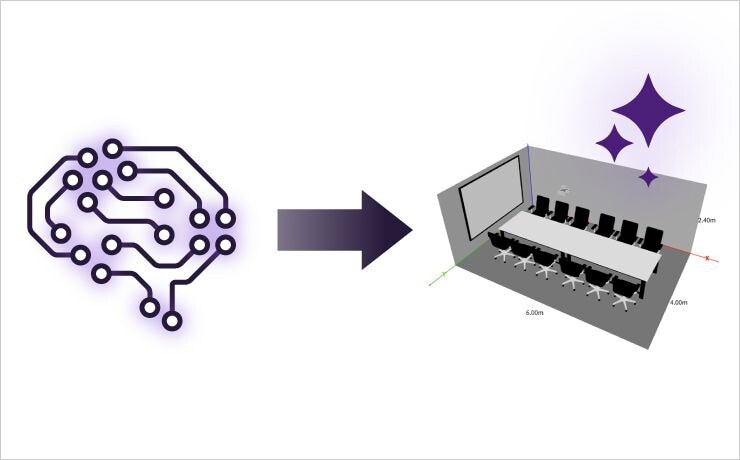
AI Room Modeler — Image Recognition Function
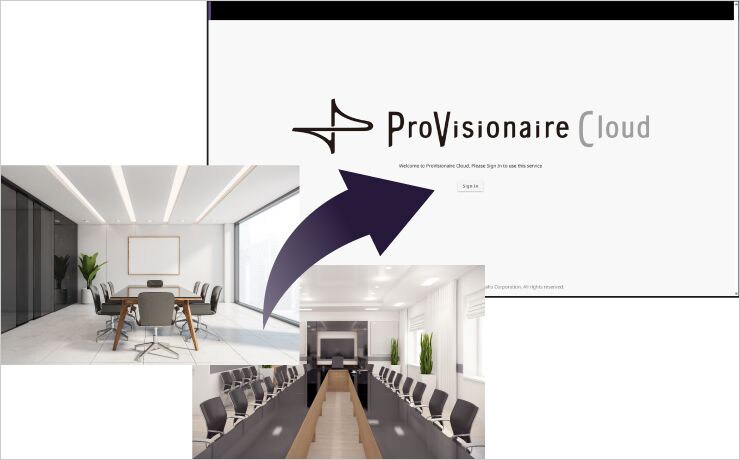
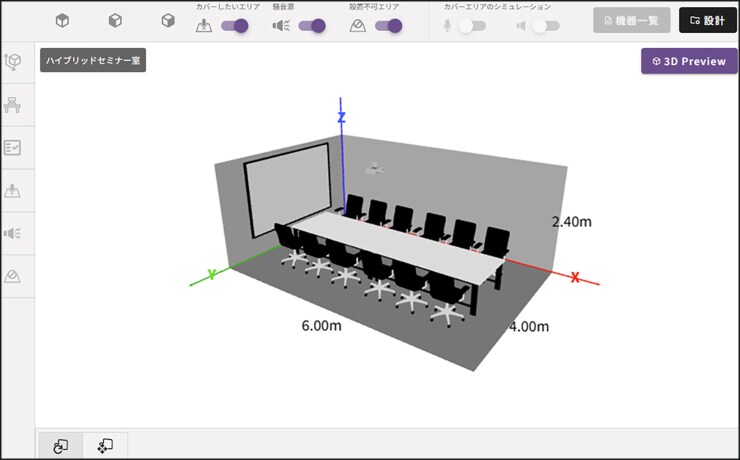
Use AI image recognition to estimate the conditions of a room based on an uploaded photo. AI will analyze elements such as furniture layout and wall materials to estimate room conditions including wall absorption when creating a new room plan.
*AI-generated content may contain errors. Please edit the estimated results to match your actual room design.
-
Upload A Room Picture
-
AI Estimates Room Layout from Picture
-
Room Layout Automatically Appears
需要 Voice Lift 系統的環境
Voice Lift 系統主要有兩種:簡報型和會議型。
簡報型適用一位或幾位演講者與觀眾面對面的單向交流,而會議型則適用多人間的雙向交流。在這兩種情況下,如果人們無法聽到彼此的聲音,Voice Lift 都可以發揮效用。
-
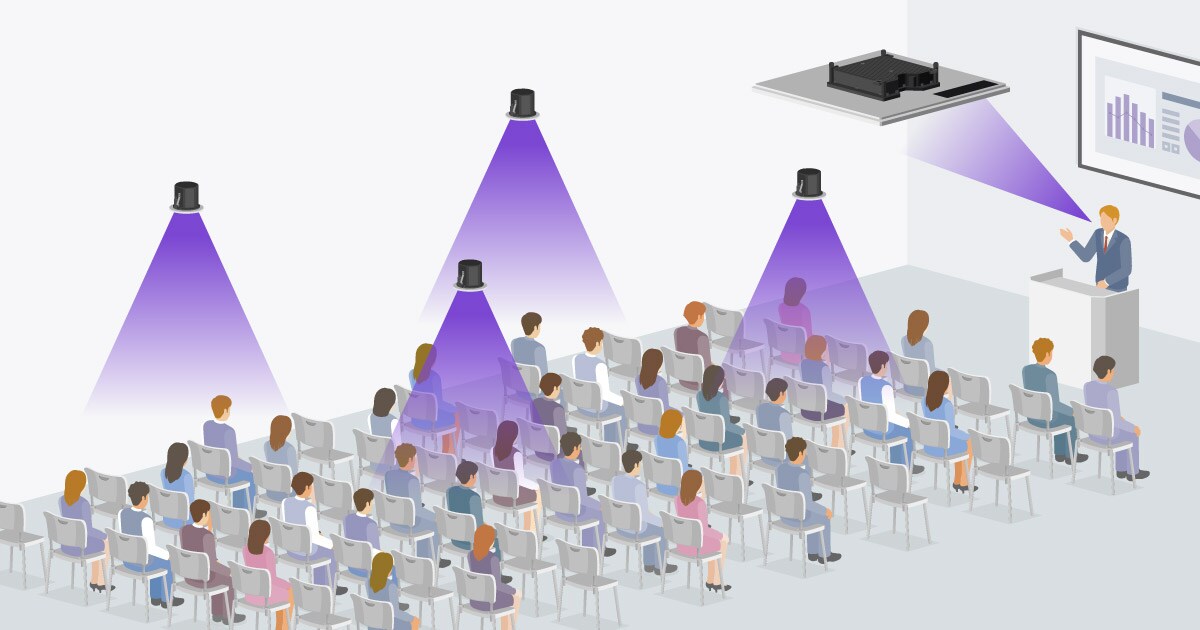
簡報型
在簡報室或大學禮堂進行簡報或舉辦講座時,簡報者上方安裝一或兩個 RM-CG 吸頂式陣列麥克風,讓聲音方便傳遞到整個空間。在觀眾上方均勻安裝的吸頂喇叭,無論觀眾位於空間的什麼位置,都可以提供舒適的音訊體驗。
-
會議型
在企業會議室中,如果會議中有多人發言時,將很難聽到發言者實際的聲音,可以使用多個麥克風和吸頂喇叭,讓所有與會者聆聽到清晰的語音。靠近發言者的吸頂式麥克風會收錄發言者的聲音,距離麥克風較遠的喇叭會輸出聲音,但靠近發言者的喇叭會靜音。Voice Lift 系統可以改善發言者實際聲音難以傳達的狀況,讓您可以在房間的任何一處說話,並確保對方清晰聽到。
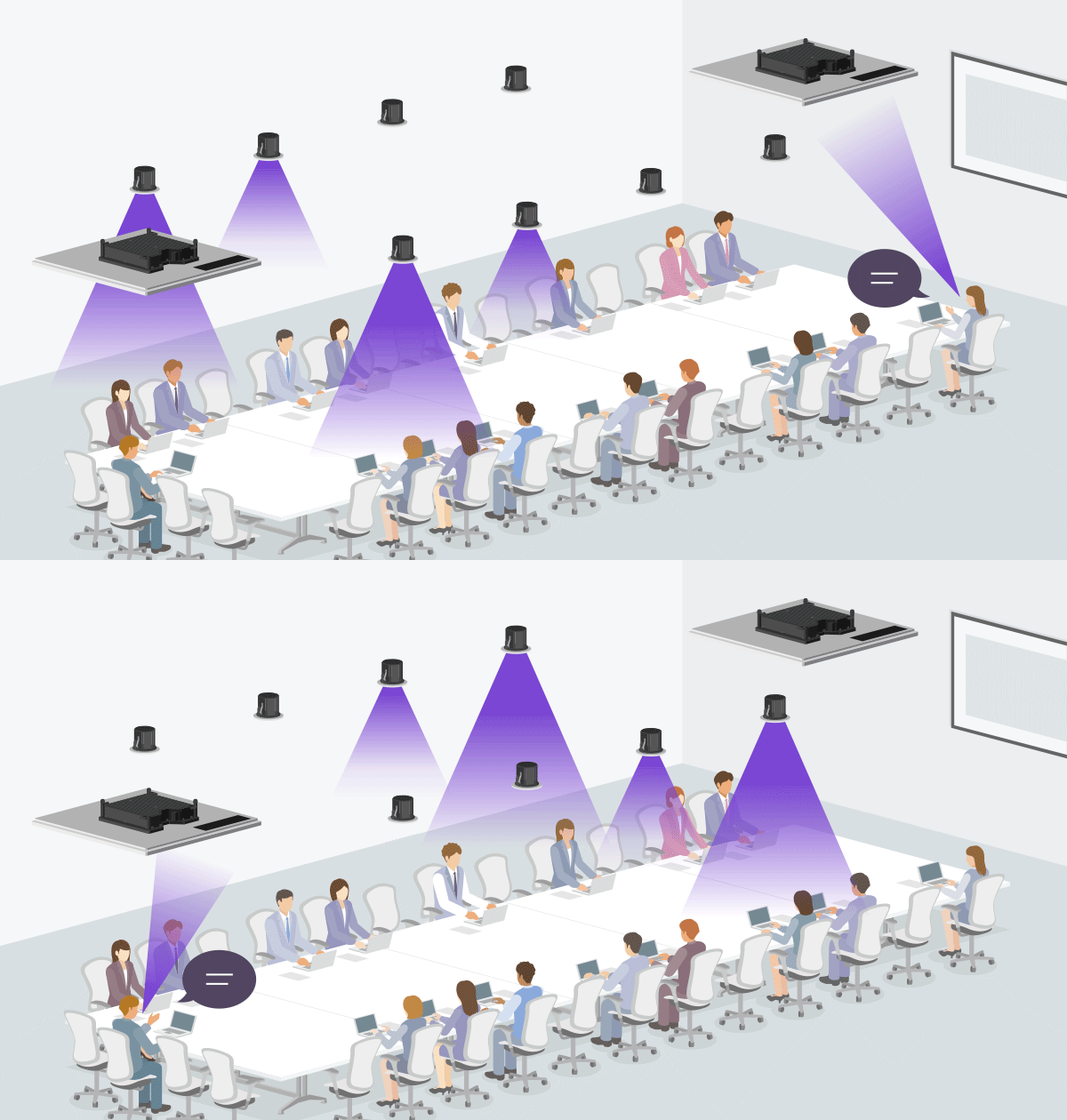
Voice Lift 系統範例
簡報室


多人在會議中輪流發言時,設定和管理多個手持式或領夾式麥克風,或與簡報者僅共用一個麥克風,可能既耗時又困難。Voice Lift 系統允許發言者輪流進行簡報,操作方式更順暢,無需擔心麥克風。此外,RM-CG 麥克風可以透過四個波束同時偵測並追蹤最多四個發言者的聲音。
禮堂

在大學、學院、職業學校和其他教育機構的禮堂,需要向所有學生講課。在某些情況下,講師會使用手持式或領夾式麥克風講話,但他們的服裝,可能讓他們無法佩戴領夾式麥克風,或者他們可能須手拿課本和筆,以在黑板上書寫。Voice Lift 系統讓講師在講課時無需擔心麥克風,讓學生也可以舒適聽到聲音。

會議室


在會議室舉行會議或討論時,一定要避免因聽不清楚對方說話內容而造成的沮喪感和干擾。與與會者共用一個手持式麥克風或提供足夠的麥克風可能並非有效之舉。透過會議型 Voice Lift 系統,與會者無論坐在會議室的哪個位置,其發言都可以被清楚聽到。甚至可以在進行混合會議時與遠距各方進行順暢的溝通。
Example of using Auto Design & Setup for Voice Lift with ADECIA


From hybrid meetings and interactive classes to active learning environments — room size, layout, and use cases may vary, but ADECIA and ProVisionaire Plan/ProVisionaire Cloud make Voice Lift installation super simple.
Even in large or reconfigurable rooms, complex acoustic adjustments can be completed in minutes using just a PC. Whether you're designing for a boardroom, classroom, or multi-purpose space, with support for spaces up to 15 x 15 meters, ADECIA and ProVisionaire Plan/ProVisionaire Cloud ensures voices are clear, natural, and balanced — wherever your audience is.